Architecture Portfolio Layout: How to Organize Your Projects
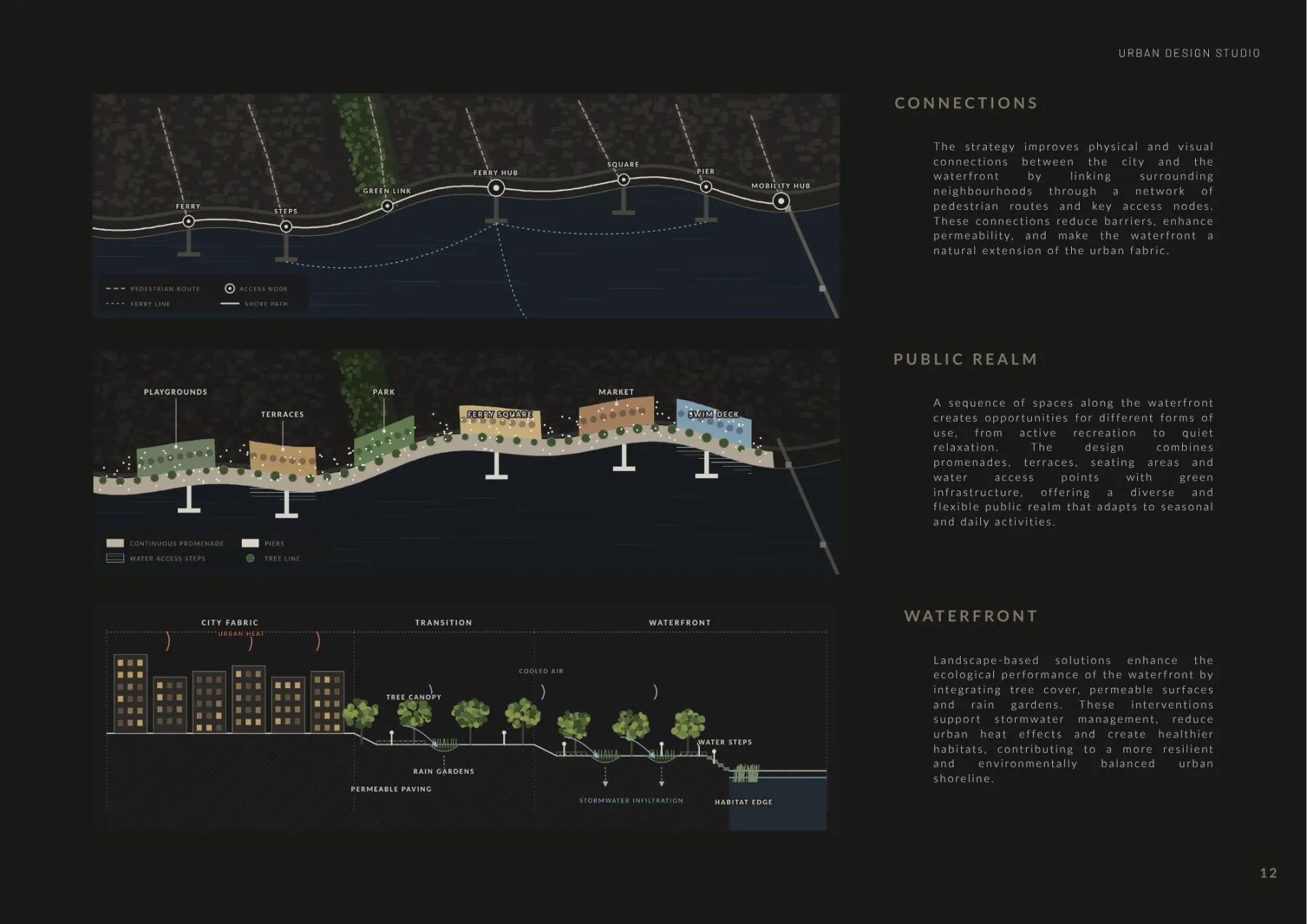
A well-designed architecture portfolio layout helps communicate architectural ideas clearly and professionally. While strong projects are essential, the way drawings, diagrams, renderings, and descriptions are arranged can significantly influence how your work is understood.
An effective portfolio should guide readers through your projects without overwhelming them with unnecessary visual elements.
In this guide, we explore practical principles for creating an architecture portfolio layout, from choosing the right page format to organizing drawings and maintaining consistency throughout the document.
1. Choose the Right Portfolio Format
Before designing individual pages, decide on the overall format of your architecture portfolio.
The most common considerations include page orientation, document dimensions, and whether the portfolio will primarily be viewed digitally or printed.
Landscape or Portrait?
A landscape portfolio can be useful for presenting wide architectural drawings, panoramic renderings, and horizontal compositions.
A portrait portfolio may work well for vertically organized project narratives, text, and certain drawing arrangements.
Neither format is universally better. The appropriate choice depends on the type of projects you want to present and the intended viewing experience.
Design for the Final Viewing Method
If your portfolio will be viewed mainly as a PDF, consider how pages appear on a laptop or tablet screen.
Text and drawings should remain readable without excessive zooming.
For printed portfolios, account for margins, binding, and the physical dimensions of the document.
Choosing the format early helps maintain consistency throughout the design process.
2. Build a Consistent Grid System
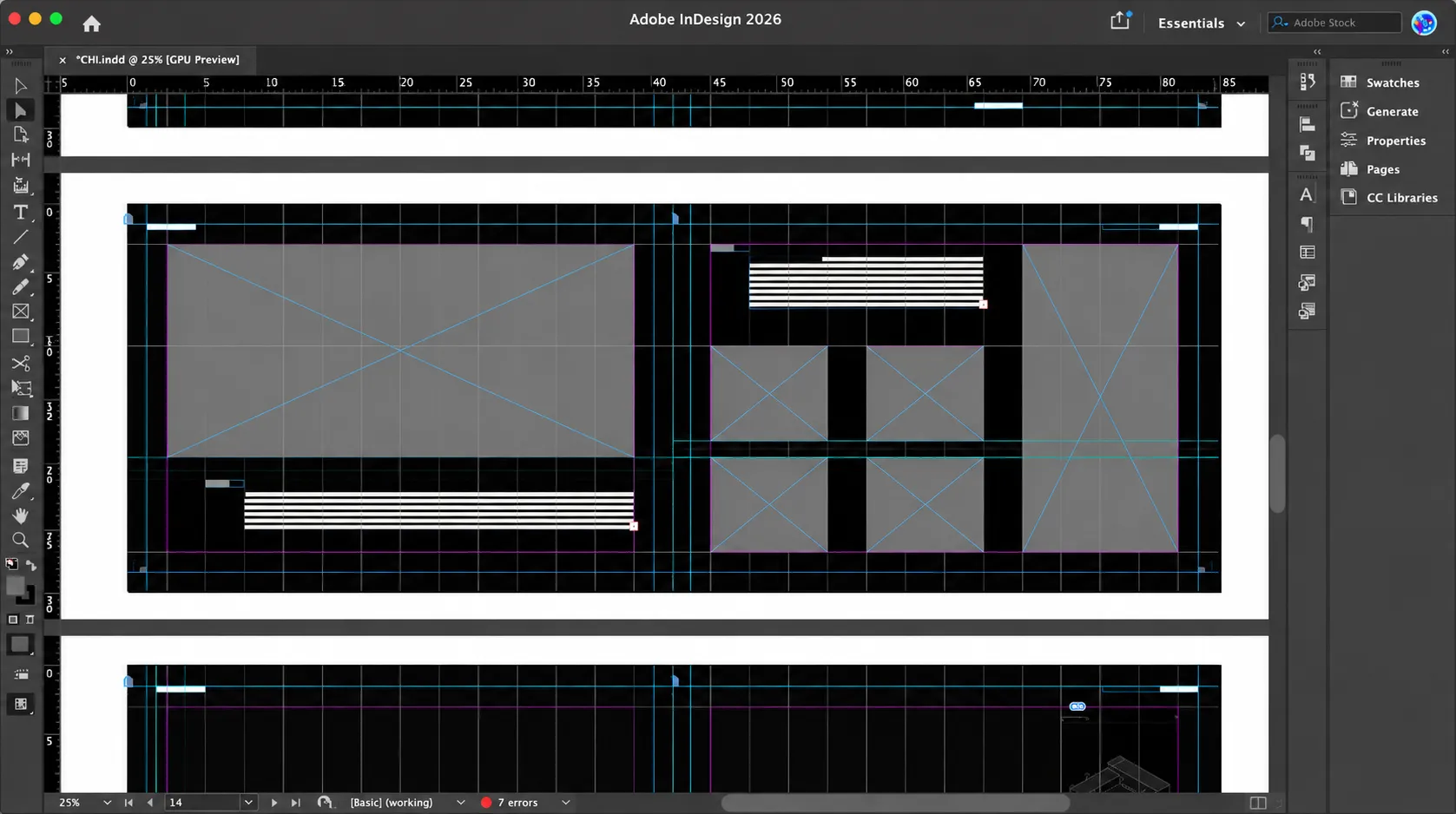
A grid system provides the underlying structure of an effective architecture portfolio layout.
It helps align drawings, text blocks, diagrams, and images while creating a recognizable visual rhythm.
For example, a two-column grid can accommodate a project description beside a drawing, while a larger grid may support more complex compositions.
A consistent grid does not mean every page must look identical.
You can vary image sizes and arrangements while maintaining common alignment points, margins, and spacing.
This balance between structure and flexibility is essential for creating a professional portfolio.
3. Establish Clear Visual Hierarchy
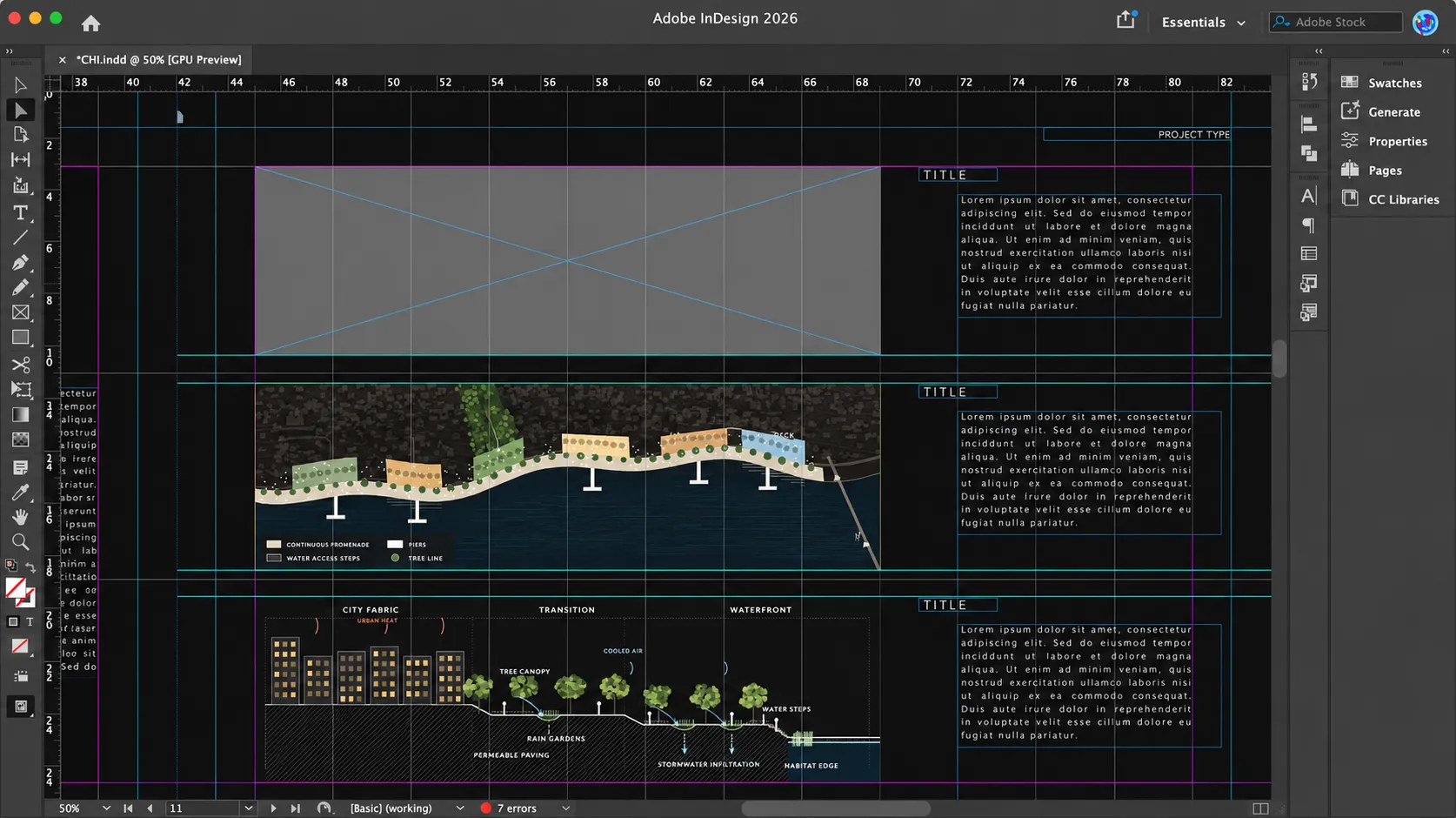
Visual hierarchy determines which information readers notice first.
In an architectural portfolio, the most important elements usually include project titles, key drawings, diagrams, and concise explanations.
Use scale, spacing, and typography to establish their relative importance.
For example:
- A large architectural rendering can introduce a project.
- A prominent floor plan can explain spatial organization.
- Smaller diagrams can communicate circulation or conceptual development.
- Short captions can clarify technical information without dominating the page.
Avoid making every drawing equally large or visually prominent.
A clear hierarchy allows readers to understand the main architectural ideas before exploring supporting details.
4. Organize Drawings and Project Information
An effective architectural portfolio design should present each project in a logical sequence.
Rather than arranging images only for visual balance, consider how the reader will understand the design process.
A typical project presentation might include:
Project Introduction: Present the project name, building type, and a short explanation of its objective.
Concept and Development: Use diagrams, sketches, or analytical drawings to explain the design approach.
Architectural Documentation: Include the plans, sections, elevations, or other drawings that best communicate the project.
Final Presentation: Use selected visualizations or developed drawings to demonstrate the architectural outcome.
Not every project requires the same structure or number of pages.
The objective is to present enough information to explain the design without creating unnecessary repetition.
5. Use Typography and White Space Effectively
Typography and spacing play an important role in the overall quality of an architecture portfolio.
Keep Typography Consistent
Choose a limited number of typefaces and establish a clear system for titles, headings, captions, and body text.
Avoid frequent changes in font sizes or styles.
Typography should support architectural communication rather than compete with the drawings.
Allow Space Around Important Drawings
White space separates information and helps readers focus on individual elements.
Crowded pages can make even high-quality architectural drawings difficult to interpret.
Instead of filling every available area, use spacing to establish relationships between images and text.
A clean layout often creates a stronger impression than a visually overloaded composition.
6. Maintain Consistency Across Different Projects
Architecture portfolios often contain projects with different architectural styles, drawing techniques, and visual identities.
A consistent layout system helps bring these varied materials together.
Maintain common margins, typography, caption styles, and page numbering throughout the document.
You can still introduce variation through image scale, project-specific diagrams, and different page compositions.
The goal is to create a unified portfolio without making every project appear identical.
Before exporting the final PDF, review the complete document to check alignment, readability, image quality, and visual consistency.
7. Create Your Architecture Portfolio Layout
A practical workflow begins with defining the document format and establishing a grid system.
Next, organize your projects and identify the most important drawings for each presentation.
Create a small number of reusable page layouts, such as a project introduction, a drawing-focused page, and a diagram-based composition.
These layouts can help you work more efficiently while maintaining a consistent visual identity.
If you prefer to begin with an existing design structure, Archeism's Chiaroscuro Portfolio Template provides a starting point for organizing architectural projects into a coherent presentation.
A template should remain flexible enough to accommodate your individual projects and personal design approach.
Conclusion
An effective architecture portfolio layout combines clear organization, consistent grids, thoughtful typography, and carefully arranged architectural drawings.
The most successful layouts do not distract from the projects. Instead, they help communicate architectural ideas with clarity and purpose.
By establishing a consistent graphic system and organizing information logically, you can create a portfolio that presents your work professionally and reflects your identity as a designer.
Explore the Portfolio Template